
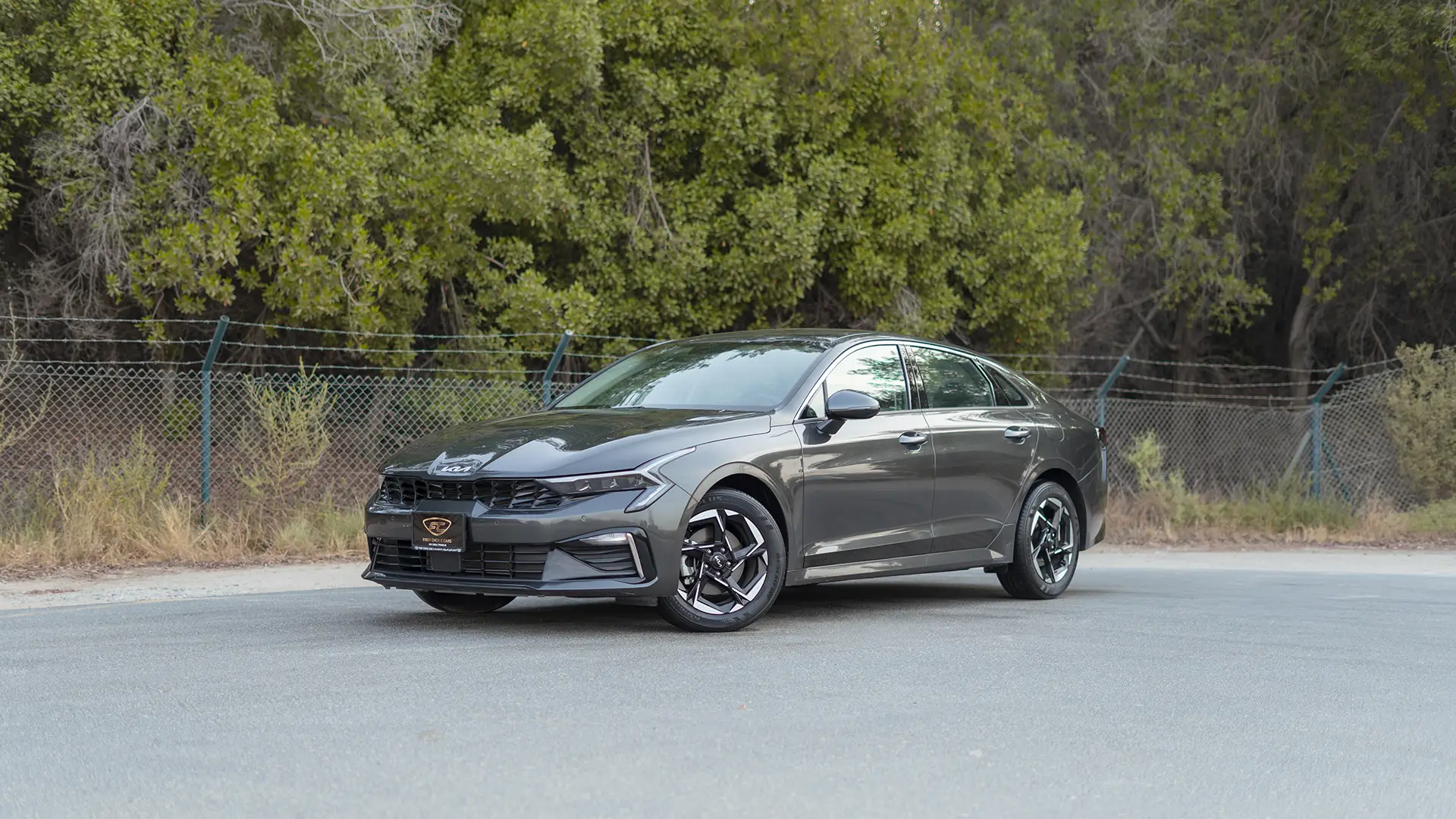
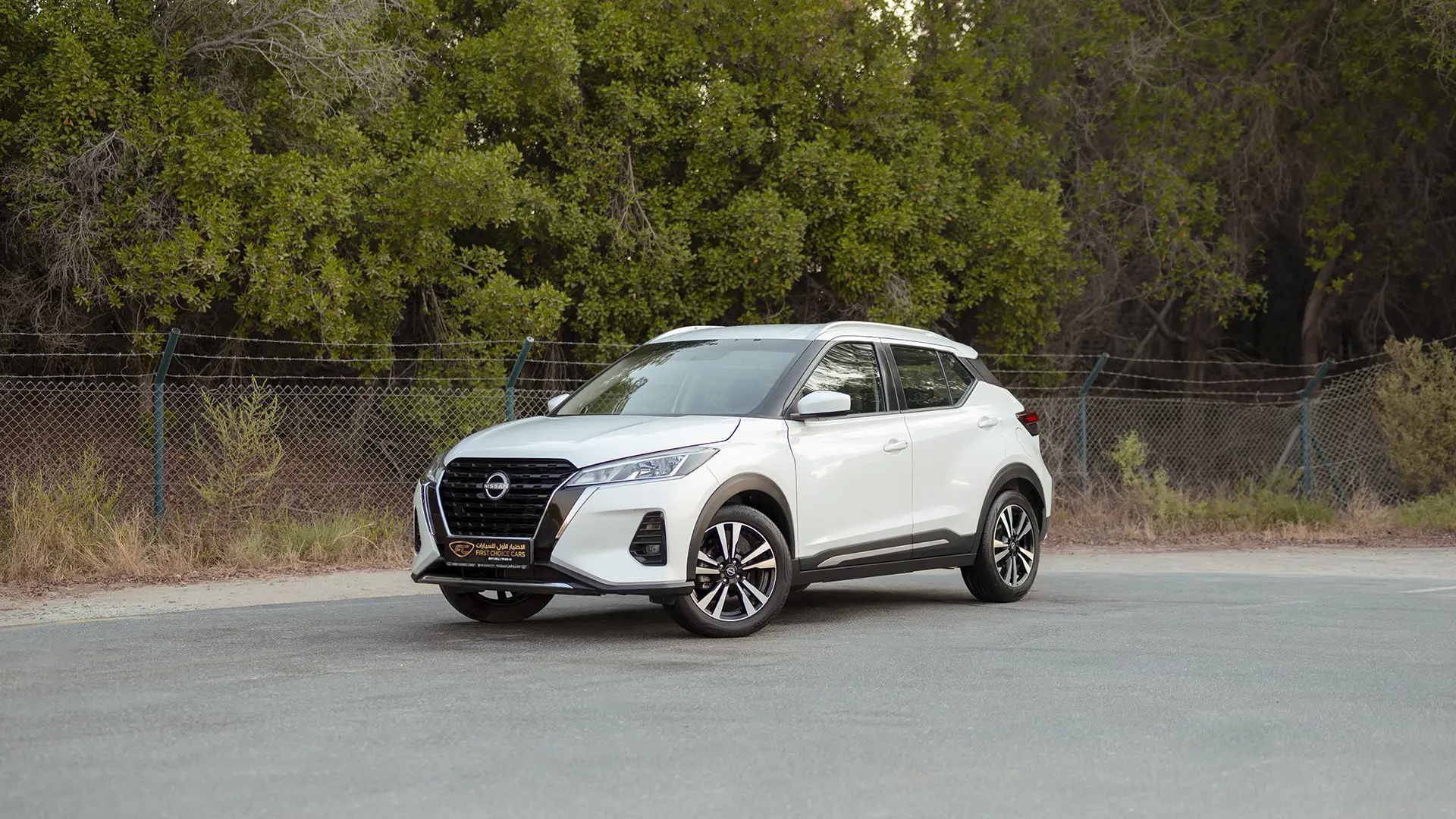
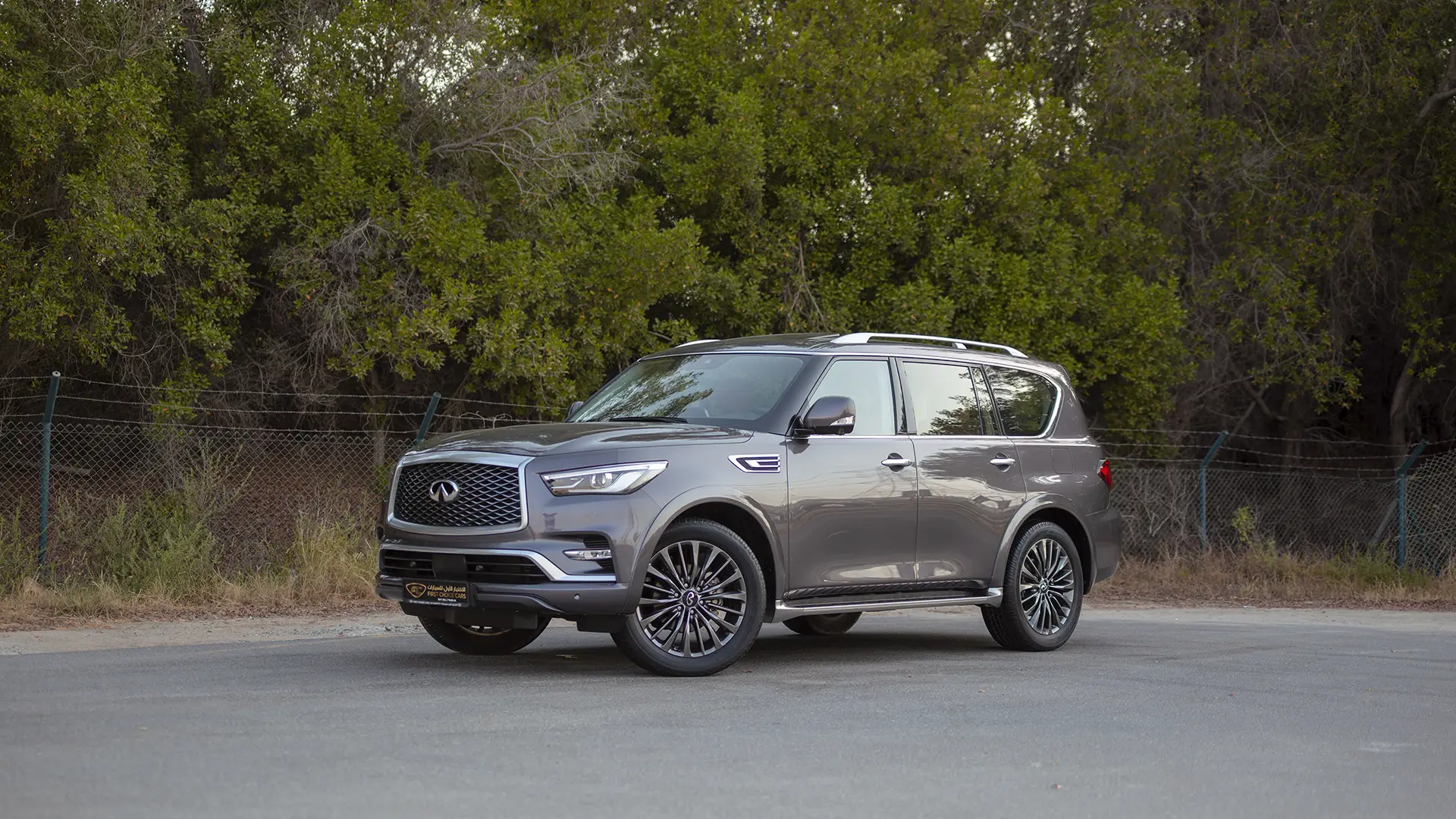
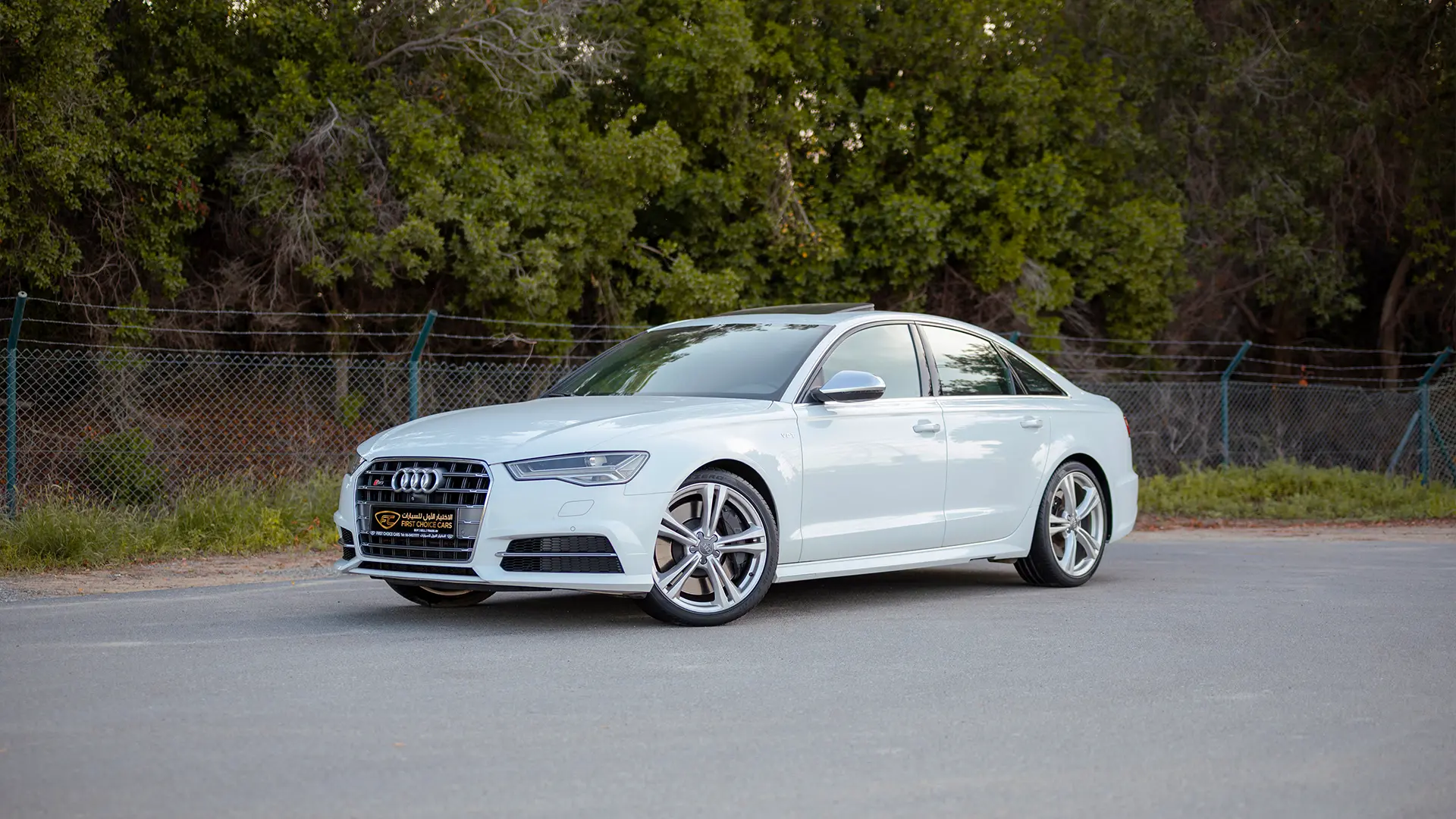
How the comparison tool works
Add vehicles to the compare tray from any listing or detail page, from your saved favorites, or by ticking Compare on the featured vehicles above, then see them side by side. You can compare two, three or four at a time.
Each comparison lays out seventeen specifications: Price, VAT, EMI per month, Year, Kilometers, Body Type, Fuel Type, Transmission, Engine, Engine Size, Drive Type, Specification, Seats, Doors, Exterior Color, Interior Color and Stock ID. A Coverage & Offers group shows factory warranty, service contract and any complimentary extras, such as registration, tinting, Salik tag, petrol, home delivery and insurance, benefits a private seller cannot match. A Finance group compares eligibility, down payment and loan tenure at a glance. Underneath, features are grouped into safety, interior, exterior and comfort, so you can see what one vehicle has that another does not. Rows where the vehicles differ are highlighted, and the "Differences only" toggle hides everything they share.
Two limits are worth stating plainly. Comparisons show vehicles currently in stock, so a vehicle that sells drops out of the table, and our sold vehicles archive shows what has already gone. And passenger vehicles compare against passenger vehicles, commercial vehicles against commercial vehicles, because payload and cabin configuration decide a van purchase while they tell you nothing about a family sedan.
Not seeing the vehicles you want? Tell us what you are looking for and our sourcing team will go and find it.